How to Fill LPUNEST Application Form 2027: Step-by-Step Registration Process
Applying to Lovely Professional University (LPU) through the Lovely Professional University National Entrance and Scholarship Test (LPUNEST) isn’t just about securing an admission seat—it is also your primary ticket to unlocking substantial tuition fee scholarships. Before you start prepping for mock tests, however, you have to navigate the official application portal cleanly.
Unlike other entrance forms that ask for everything at once, LPU breaks its registration down into a quick sign-up followed by a 4-step online application workflow. To ensure you don’t get tripped up by payment prompts, document sizes, or dropdown menus, here is a verified, human-written walkthrough of the exact registration sequence—plus a handy coupon code to save ₹200 on your application fee.
🎉 Exclusive Student Offer: Save Flat ₹200 on LPUNEST 2027 Fee!
Apply our verified referral/waiver code during Step 1 checkout to get an instant ₹200 discount on your application fee:
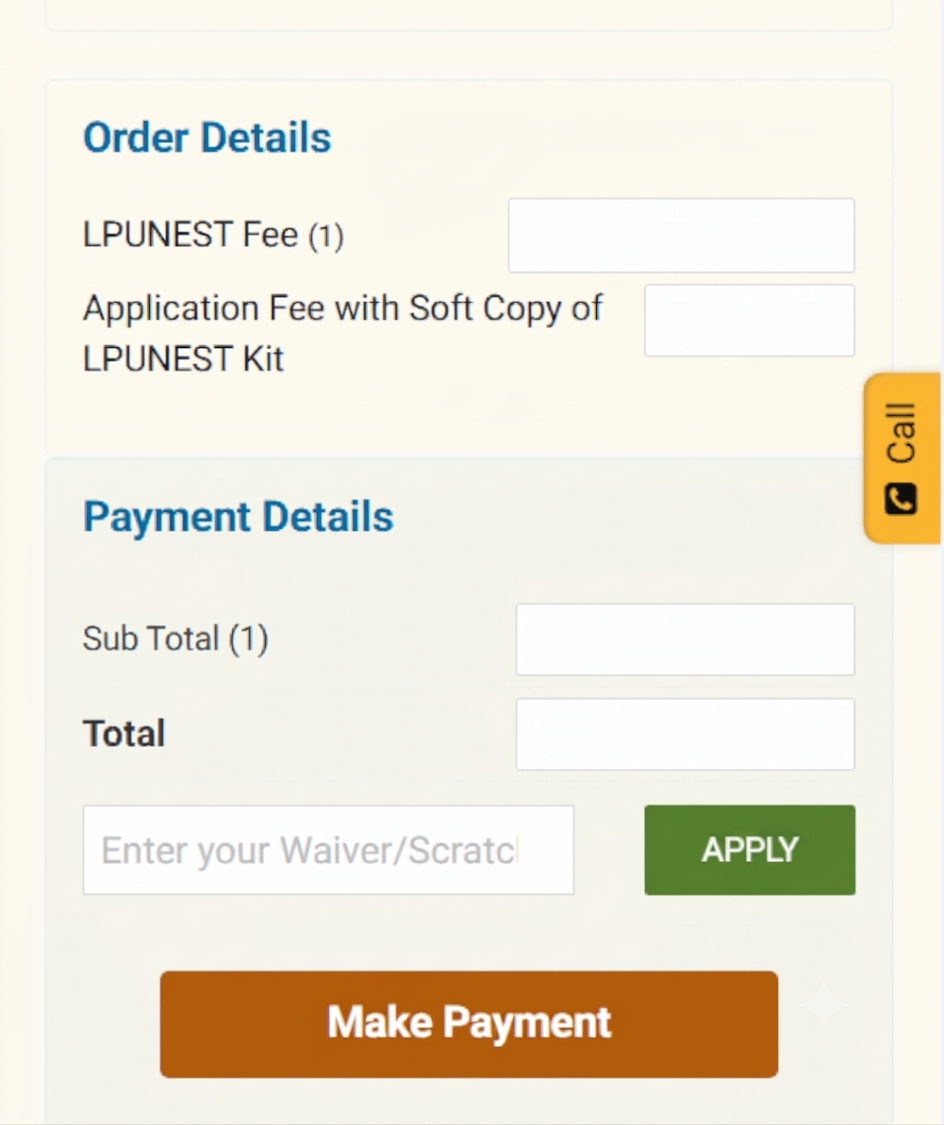
*Enter this code in the "Enter your Waiver/Scratch Code" box before clicking Make Payment.
LPUNEST 2027: Important Dates & Key Highlights
Before diving into the portal, keep track of the official Phase 1 schedule and published fee structure for LPUNEST 2027:
| Event / Particular | Verified Details (Phase 1) |
|---|---|
| Online Applications Open | 29 September 2026 (Ongoing) |
| Last Date to Apply & Book Slot | 15 January 2027 |
| Slot Booking Window | 10 December 2026 – 15 January 2027 |
| LPUNEST 2027 Exam Dates | 10 Jan – 05 Feb 2027 (Remote) | 20 Jan – 05 Feb 2027 (Test Centre) |
| Published Application Fee | ₹1,000 (Soft Copy Kit) | ₹1,500 (Printed Kit) — Save ₹200 with code LPUJAL394 |
| Official Registration Portal | lpu.in/nest / admission.lpu.in |
Initial Registration: Creating Your LPUADMIT Account
Before entering the 4-step dashboard, every candidate must complete a quick sign-up on the LPU admissions landing page to generate their applicant credentials.
- Visit the official portal and locate the "Applications Open for 2027 - Apply Today" inquiry box.
- Enter your full Student Name, active Student Email, and Student Mobile Number (+91).
- Select your current State, highest Qualification, Preferred Discipline, and target Programme.
- Enter the security captcha displayed on screen, tick the authorization checkbox for SMS/WhatsApp/Email notifications, and hit Submit.
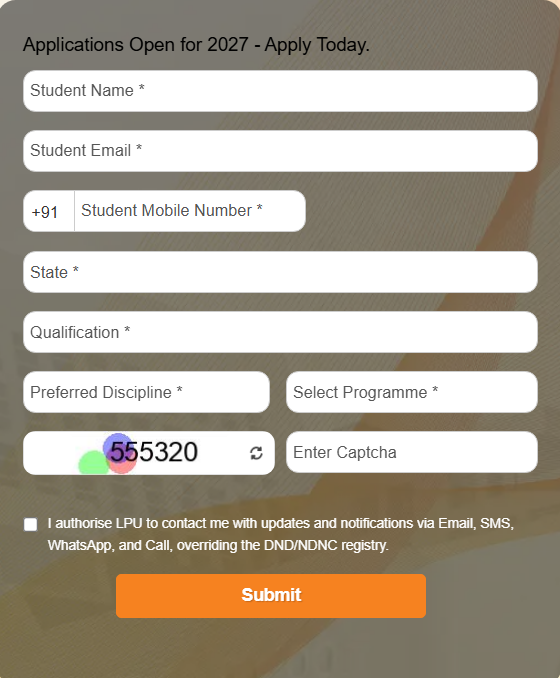
Initial Registration: Quick sign-up screen to create your applicant profile.
The 4-Step LPUNEST 2027 Application Process
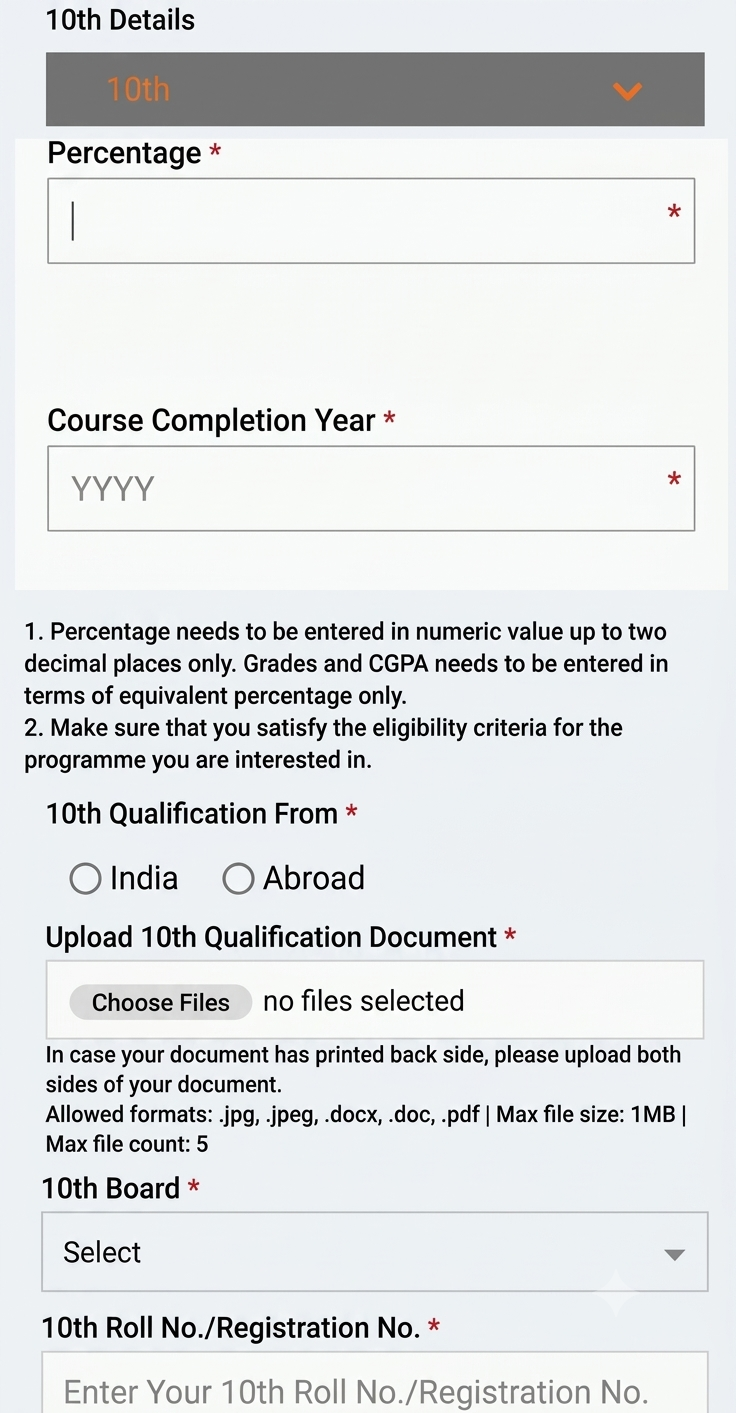
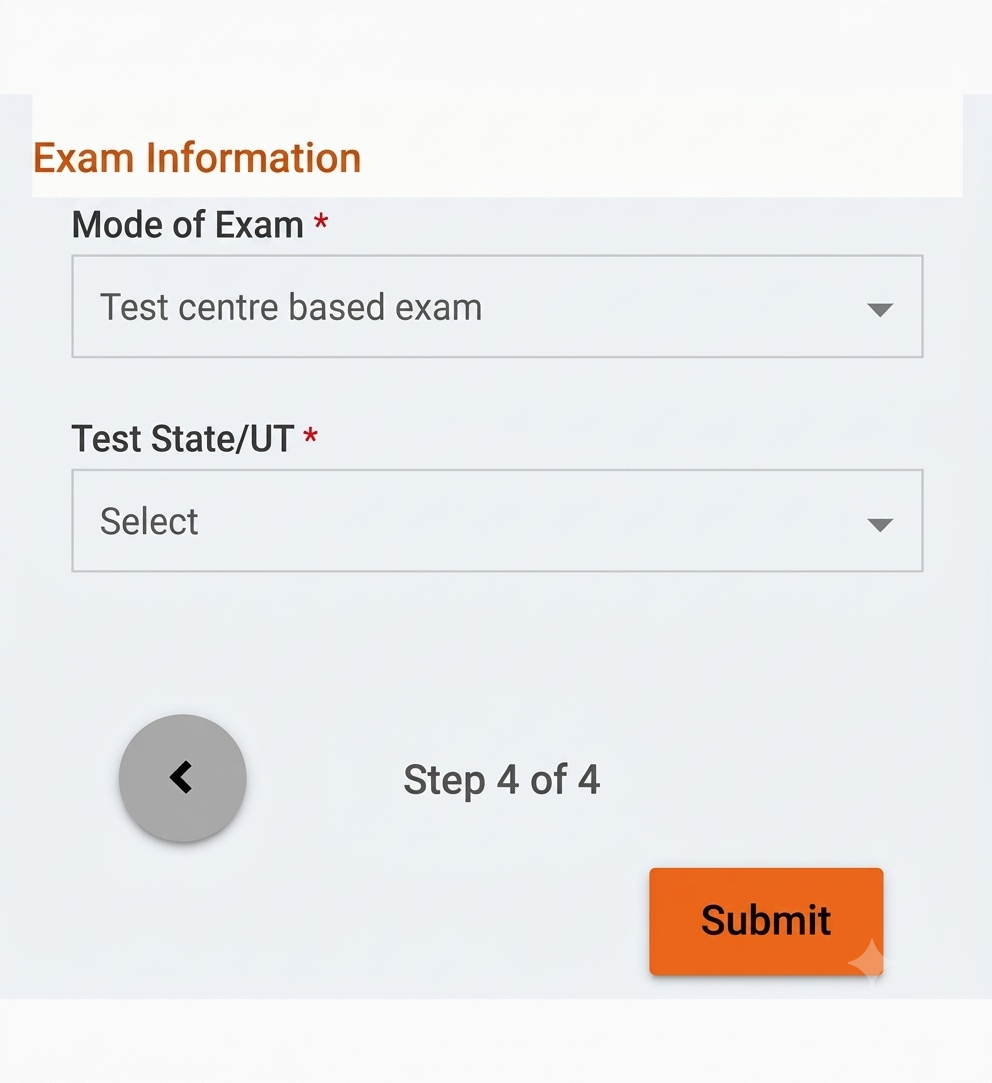
Once you register and log in to your dashboard, the portal guides you through four distinct stages (labeled Step 1 of 4 through Step 4 of 4). Notice that LPU collects your application fee right at the end of Step 1 before unlocking the academic and exam preference modules.
Step 1 (of 4): Review Details, Order Summary & Fee Payment
The very first stage inside your dashboard confirms your primary identity and settles the application kit payment.
- Review Personal Details: Double-check your First Name, Surname, Gender, Email ID, and Mobile Number to make sure they match your Class 10 certificate.
- LPUNEST Kit Prompt: On the payment review screen, select whether you already hold a physical LPUNEST Kit / Prospectus Scratch Code (select No if you are applying directly online).
- Apply Coupon Code & Pay: In the Order Details summary, enter the waiver/coupon code LPUJAL394 in the "Enter your Waiver/Scratch Code" field and click APPLY to get a flat ₹200 discount on your fee!
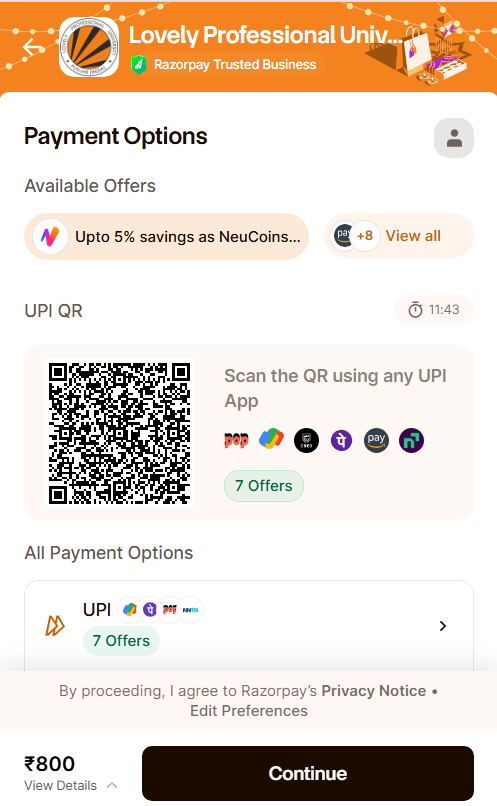
- Click Make Payment and complete the checkout smoothly via Razorpay using UPI QR scan, Google Pay, PhonePe, Net Banking, or Cards.
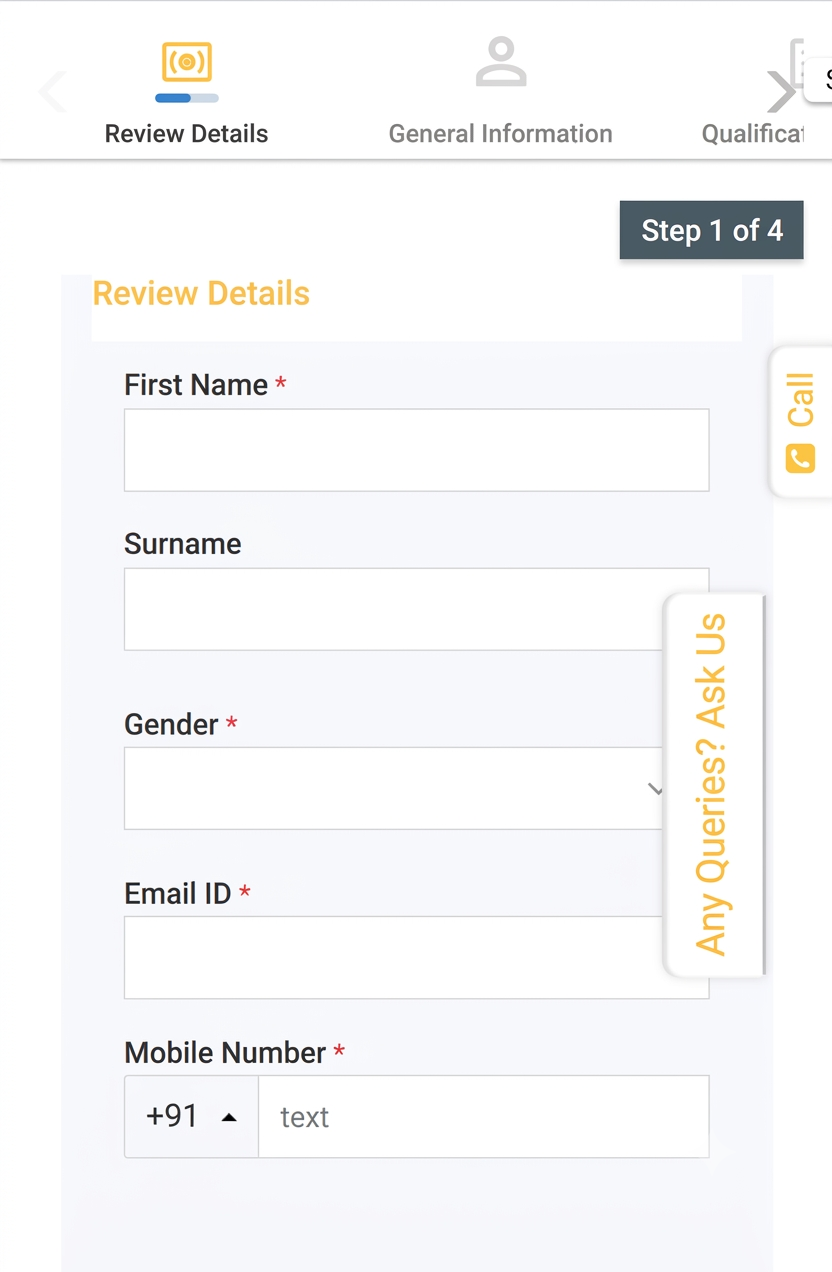
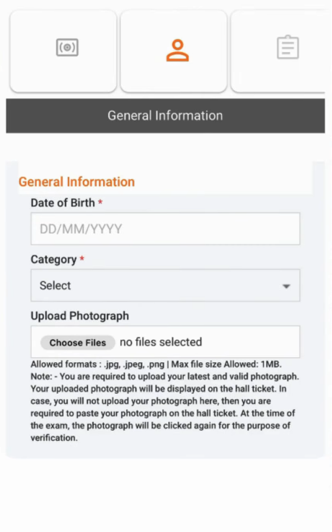
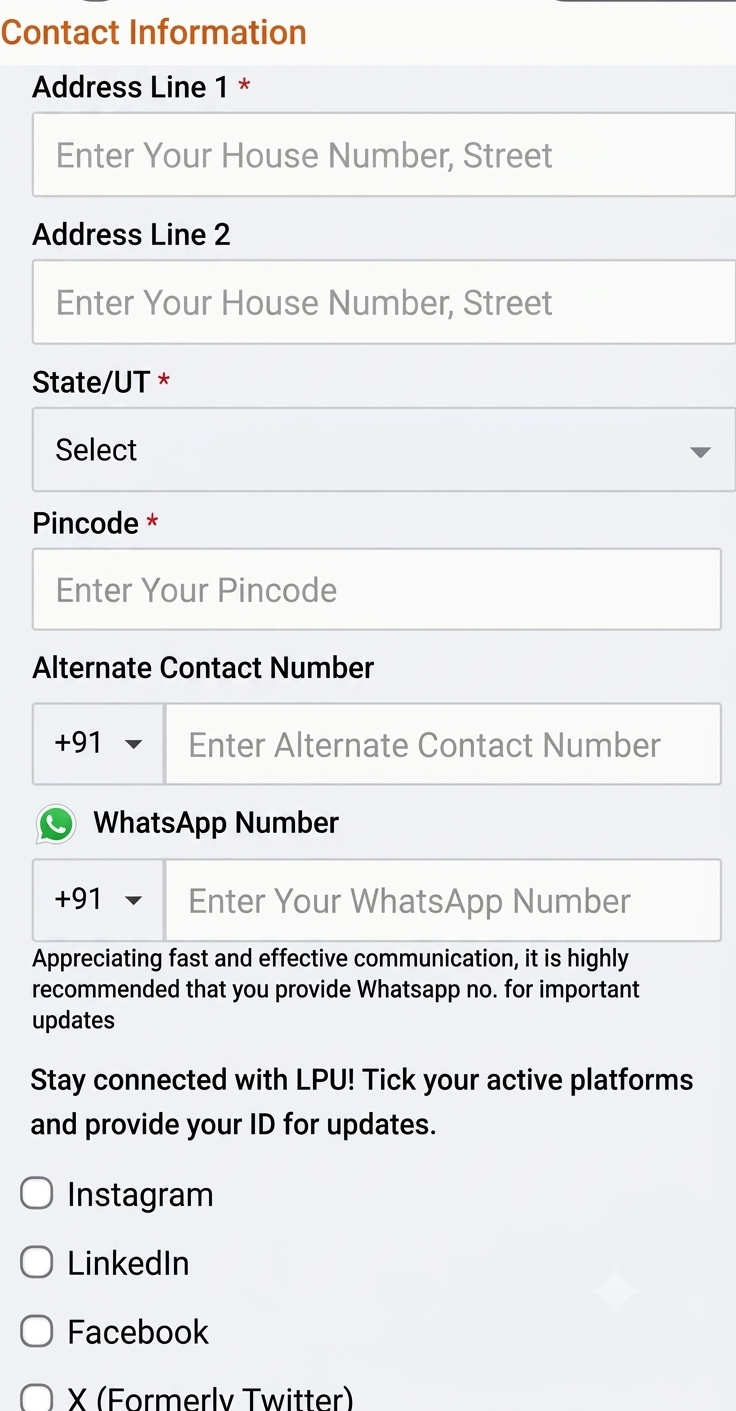
Step 1 (Part A): Reviewing basic personal and contact fields.